Projects, Clients, Invoices and Analytics - all in one place.
GigLedgerPro is built specifically for musicians — here's everything it does.
Download on the App StoreDashboard
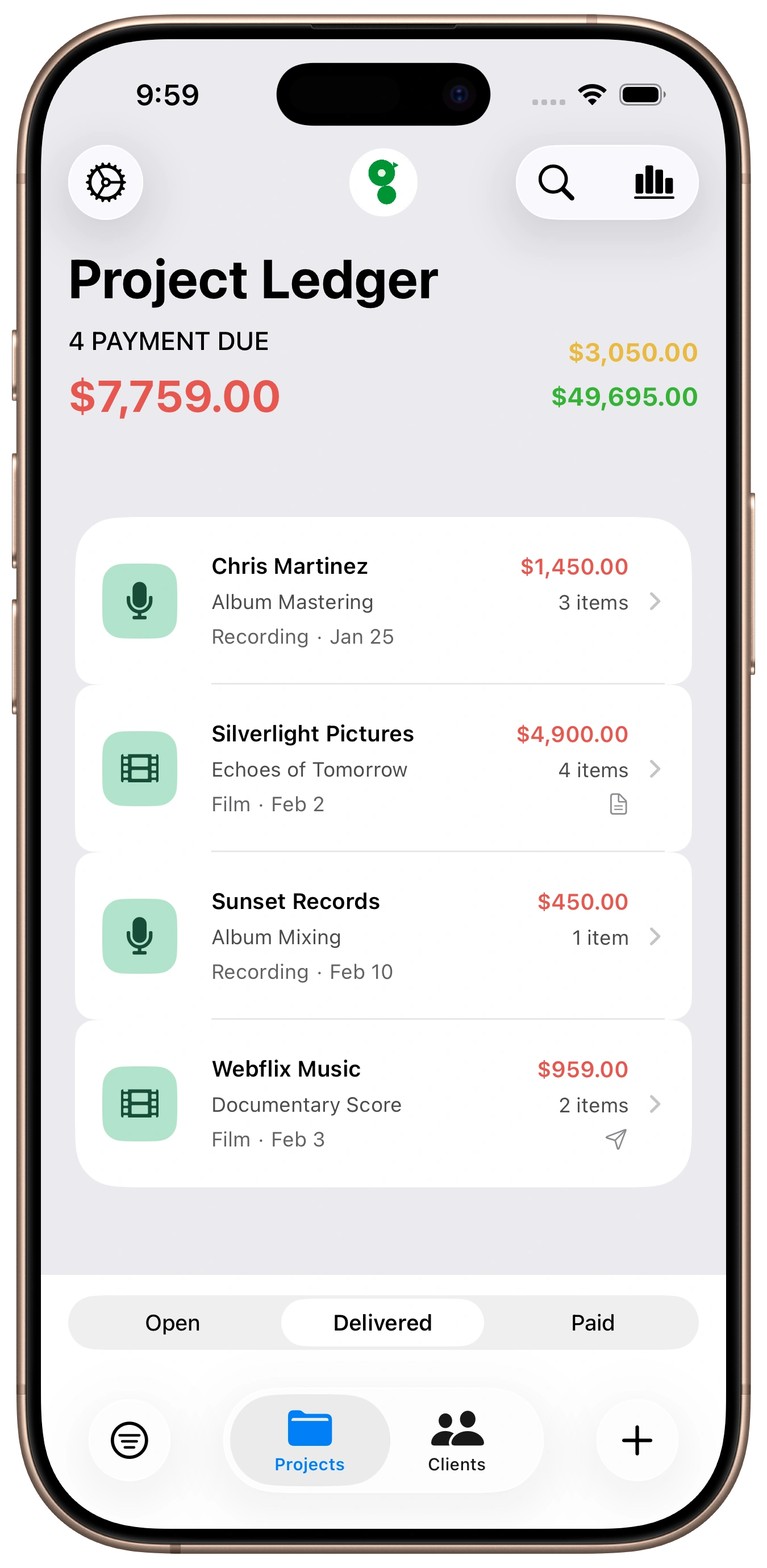
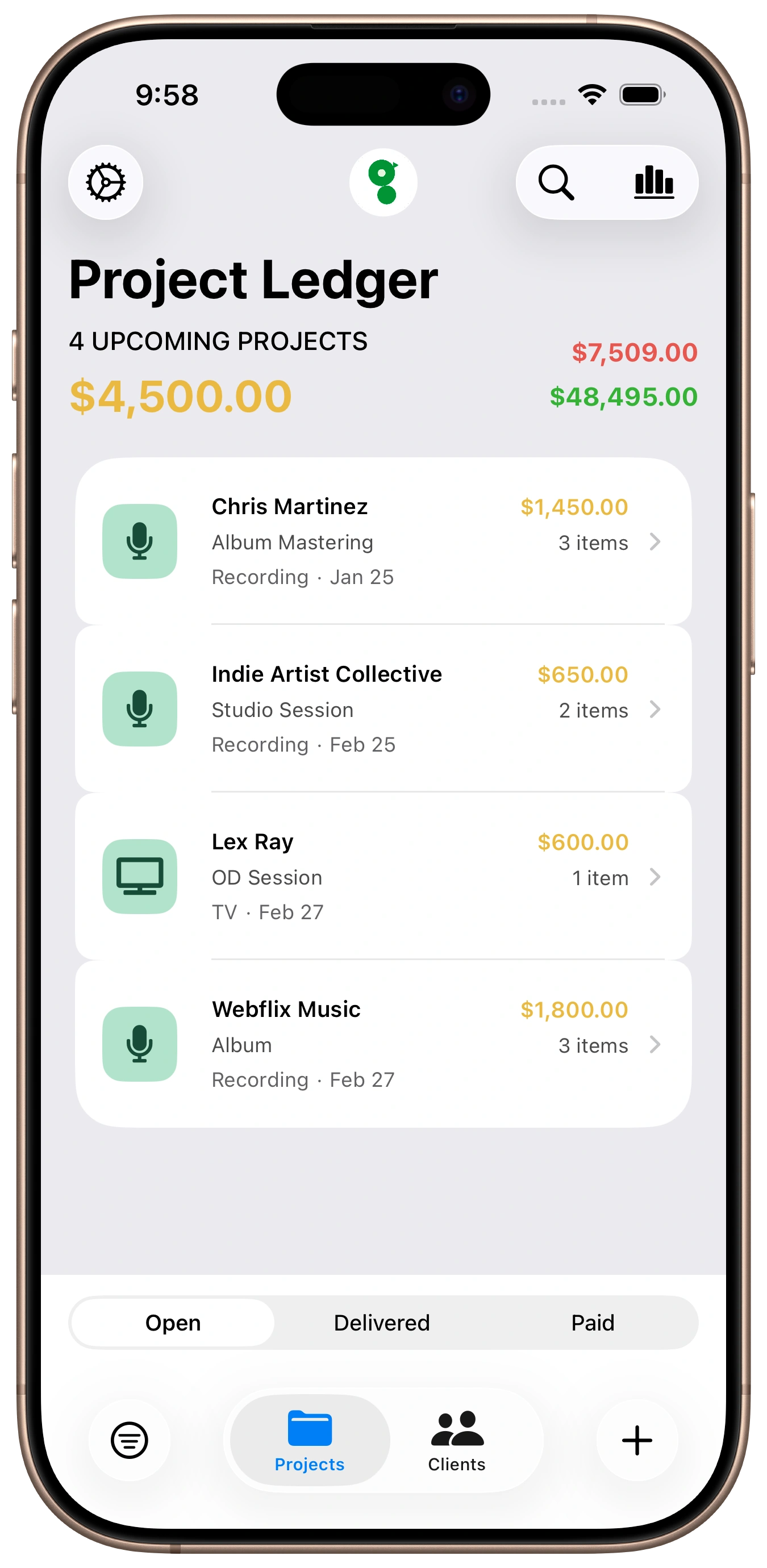
Your financial command center.
See exactly what's paid, what's delivered and waiting for payment, and what's still open. That red number? Money out there waiting for you.
- Three-status tracking: Open, Delivered, Paid
- Filter and sort by status, date, client, or amount
- Quick-add projects from the home screen
- Search across projects, clients, and locations instantly
Projects
Projects are the backbone of GigLedgerPro.
The client, the date, the fee, the location, the invoice — it all lives on the project. No more details scattered across multiple apps.
- Line items with individual fees — sessions, overdubs, per diems
- Smart suggestions that learn your patterns
- Attach files, documents, links, and audio
- Map-based location search with saved venues
Invoicing
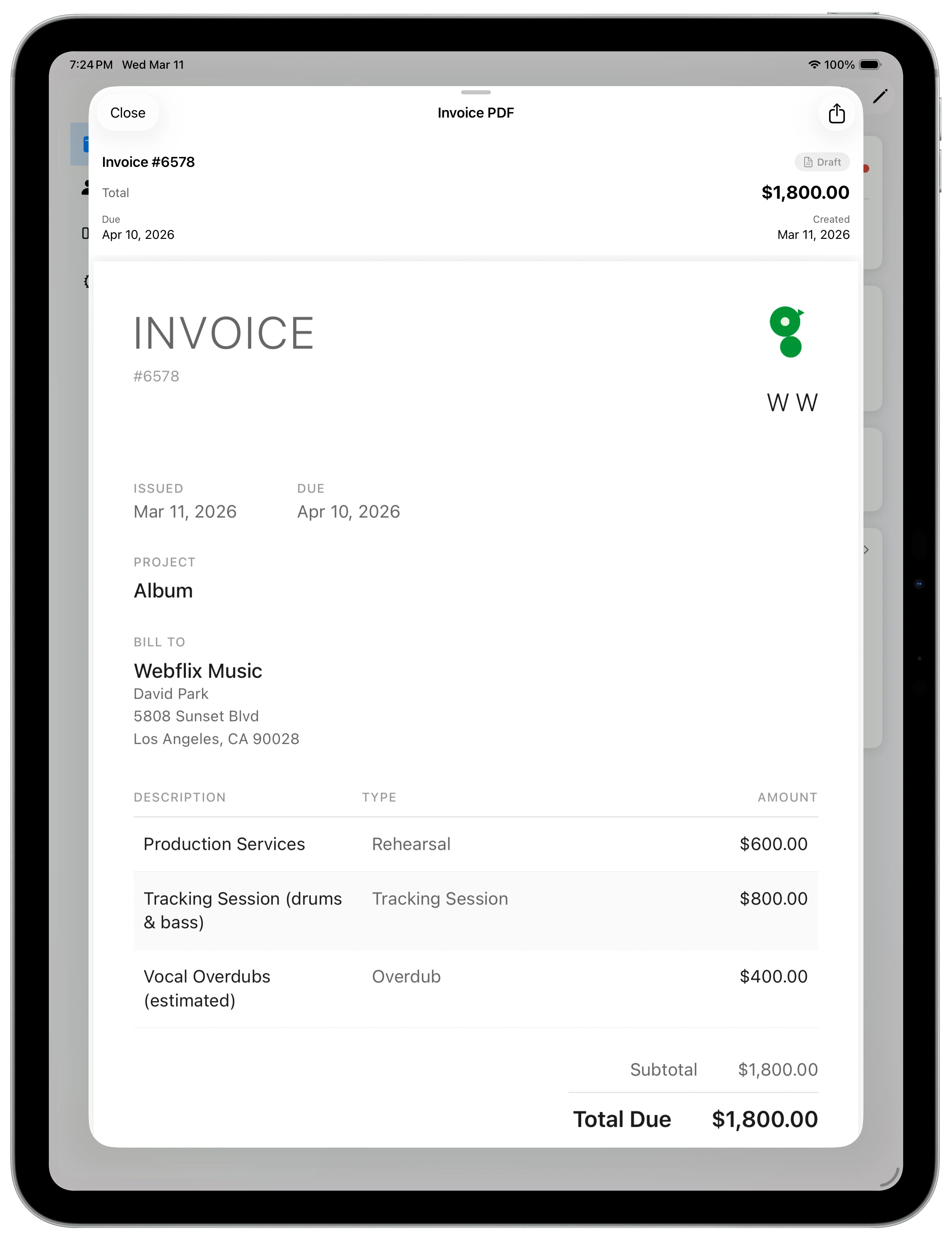
Stop dreading the invoice.
The gig was easy — writing the invoice shouldn't be the hard part. Your project already has the details. One tap turns it into a professional PDF, ready to send.
- Multiple professional PDF templates
- Save your business address and payment methods
- Set due dates and payment terms
- Share via email, text, or AirDrop
Analytics
See the bigger picture.
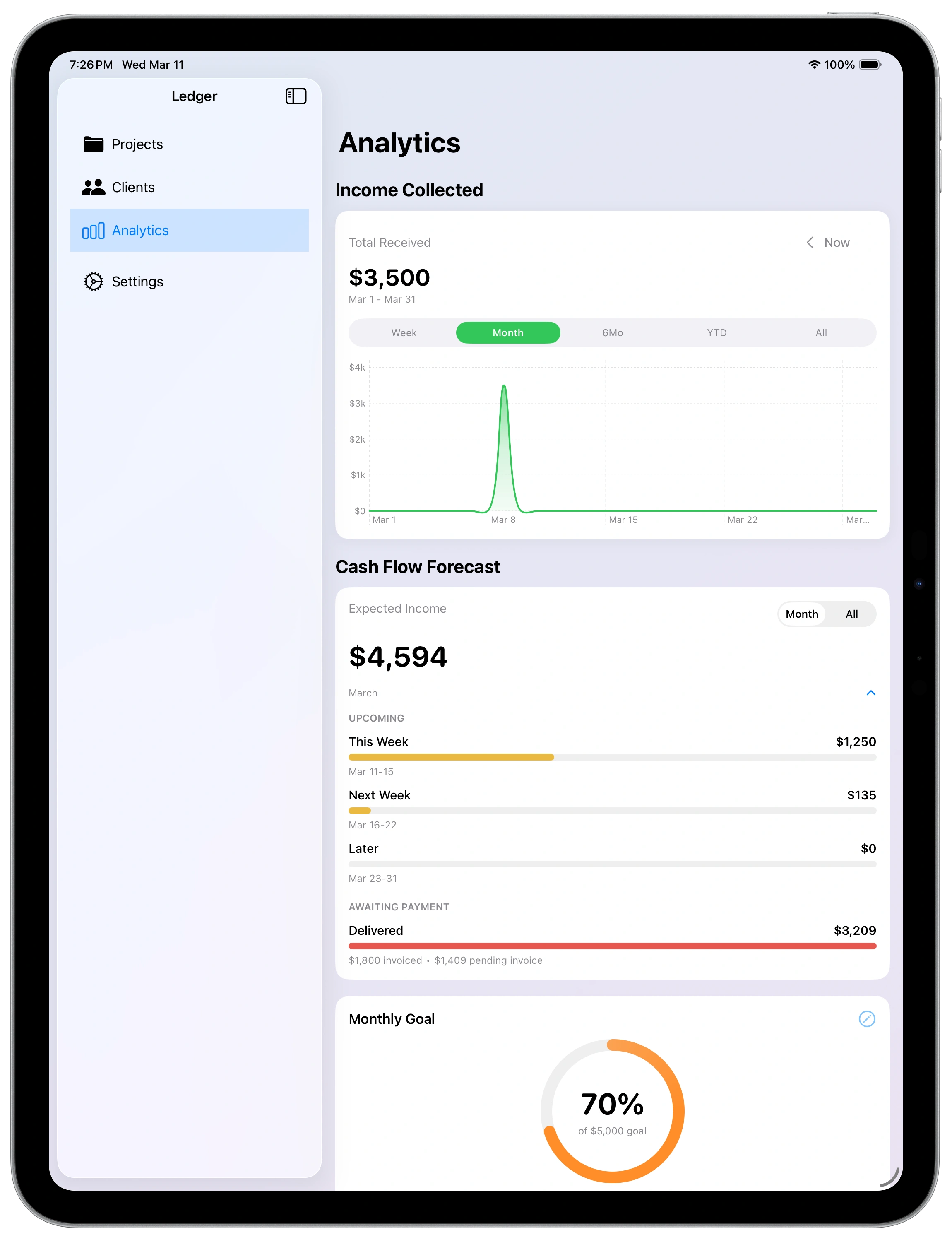
Income trends, cash flow forecasts, and goal tracking — built right in. Spot your best clients, your busiest months, and the work that pays the most.
- Weekly and monthly cash flow forecasts
- Set monthly or yearly income goals
- Income breakdowns by client and media type
- Quarterly and yearly breakdowns for tax planning
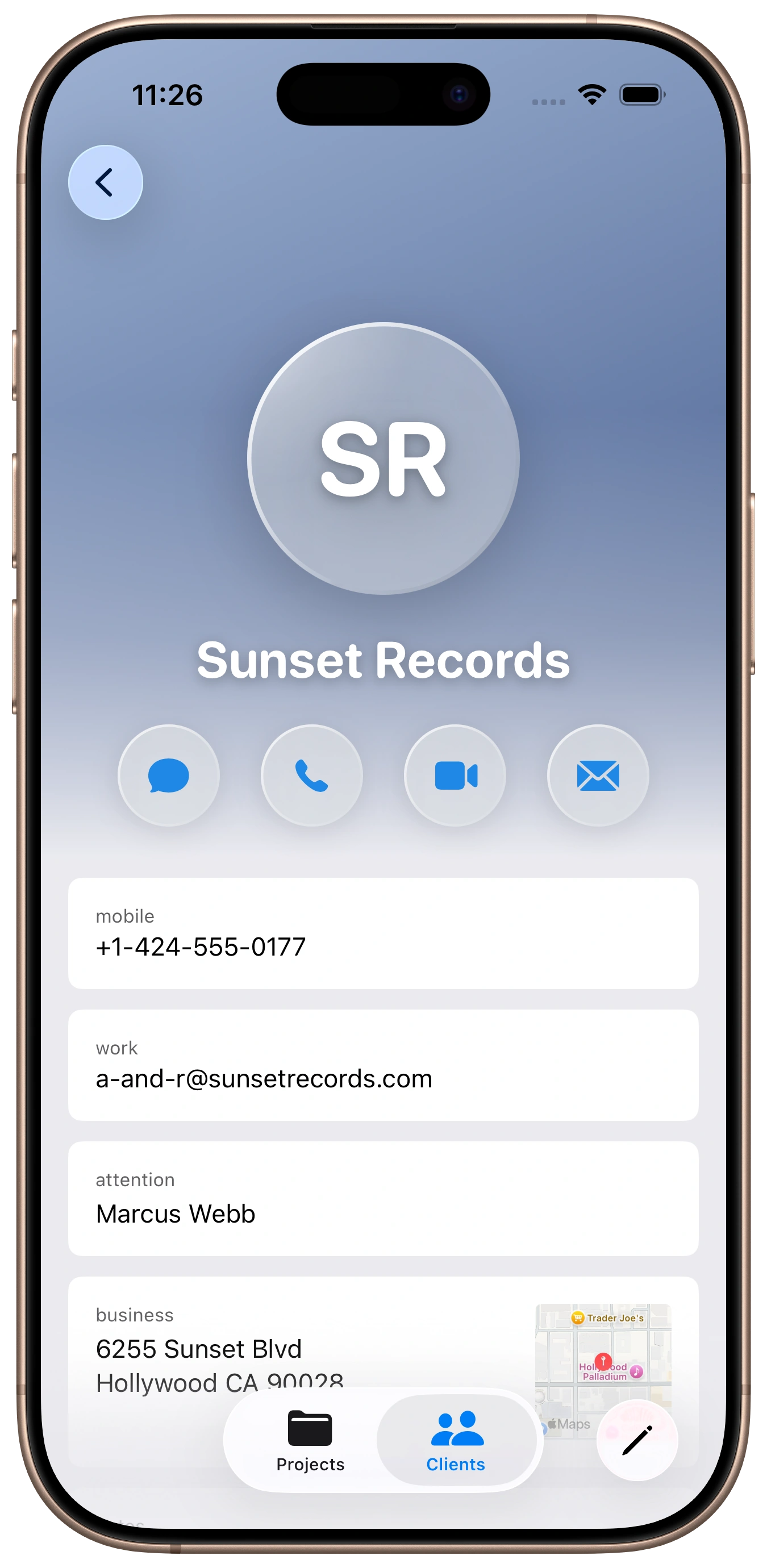
Clients
Every client. Complete history.
Contact info, project history, notes — built up automatically as you log gigs.
- Contact info with quick actions (call, email, text)
- Full project history and activity timeline
- Import from iPhone contacts
- Notes for rates, preferences, anything worth remembering
Everything Else
Quick Entry
Add a new project in seconds. Client, fee, date — done. Smart suggestions speed things up even more.
Media Types
Sessions, tours, lessons, composing, licensing - create custom categories to organize your work however makes sense for you.
Calendar Sync
Your gigs appear in your calendar automatically. Never miss a session or double-book yourself.
Recurring Projects
Weekly lessons? Monthly retainer? Set it once and let the app create the projects automatically.
Export & Reports
Export your data as CSV anytime. Ready for your CPA, or your own archives.
Document Library
Attach files, documents, links, and audio to projects. Everything in one place.
App Lock
Protect your financial data with Face ID, Touch ID, or PIN. Your money info stays private.
iCloud Sync
Your data syncs automatically across all your devices. iPhone, iPad, Mac - always current.
Backup & Restore
Export your complete data anytime. Restore from backup if needed. Your data is protected.